
The last couple of days I’ve had back to back video meetings.
And it’s doing my head in!
The constant context switching tires me and gives me a bad head.
Which got me thinking about how things used to be.
Meetings were only ever in person. I’d get a reminder, and go to the kitchen for a cuppa on the way to the meeting room. This created a moment to reset and recover before the meeting started.
The meeting rooms were always away from desks and computers … which meant no alerts, notifications, or messages to distract me.
If I was deep into a problem, meetings gave me what I call ‘the mental bends’ – like the bends divers get if they surface too quickly. Painful (sometimes fatal) for divers, painful for me in a different way – albeit not fatal.
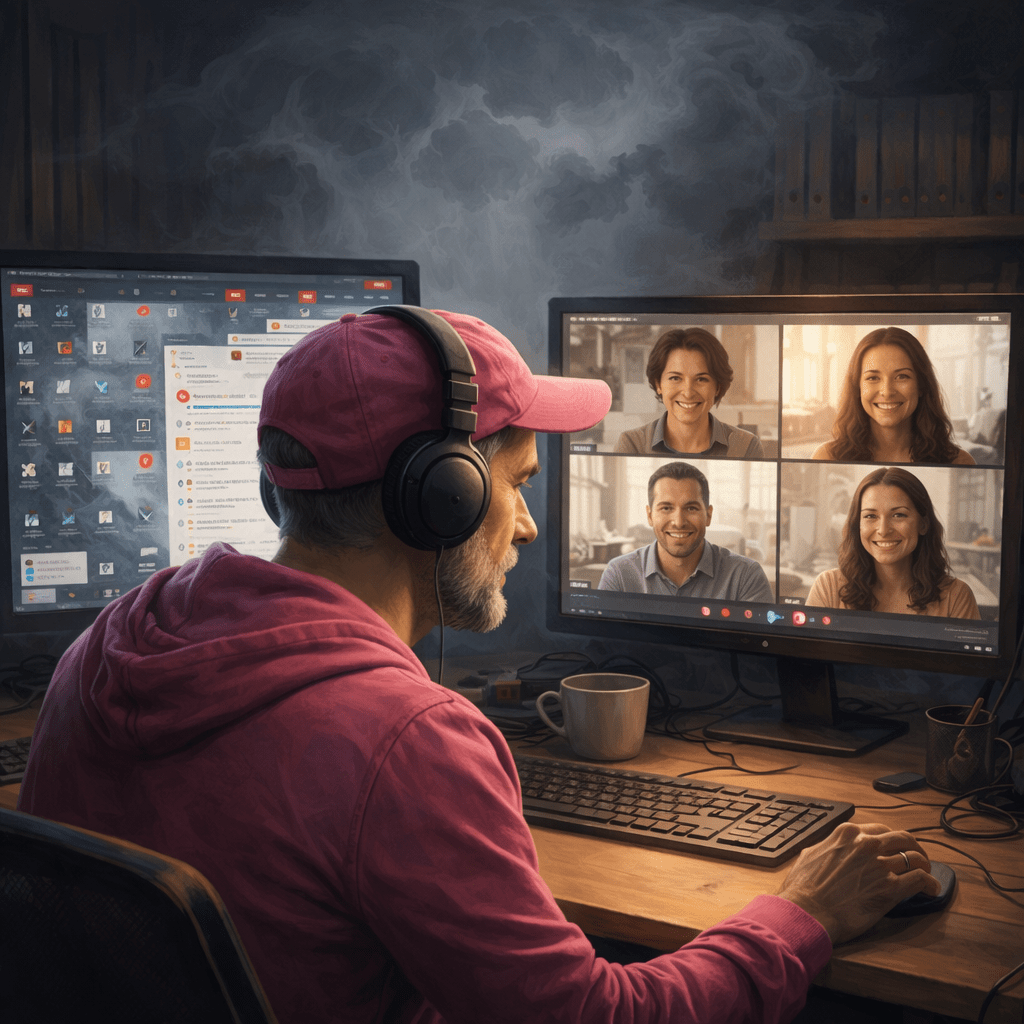
Modern video meetings, despite being video screens with only the face and headphones reducing background noise, seem to have a significantly higher cognitive load.
The video lags behind the speaker just enough to create a noticeable gap between their lips and the sound. A bit like watching a dubbed movie – and once I spot it, it’s another distraction.
I can either see the active speaker or what they’re presenting. The active speaker display also lags behind their voice, so I spend some time looking at the wrong person.
All through the meeting I am battling my brain’s desire to return to it’s state of focus. Fighting my own brain! Trying to stay present in the meeting. All the while there’s the ping-ping-ping of notifications.
And these aren’t even big notifications – just the little red dot on the application in the taskbar that tells me there’s a new message. It calls to me in the meeting.
Yet there are people who don’t just cope, they thrive in these situations.
Hmm. I wonder?
So I’ve started experimenting with a few small changes to see what works.
Can I make the video call full-screen and so hide the little notifications that create so much noise?
Yes! So the screen with faces I can make full-screen. Shared content I cannot. But I can set the taskbar to auto-hide. And I can pin the meetings app so that it is always on top.
That’s a little less noise. Let’s see how that feels.
Hmm. It helps a little for meetings, but is a pain in the arse for calls with other developers when I’m sharing screens. I am going to have to pick the solution that works at the time because there ain’t one size fits all solution.
 Eunuchorn
Leave a comment